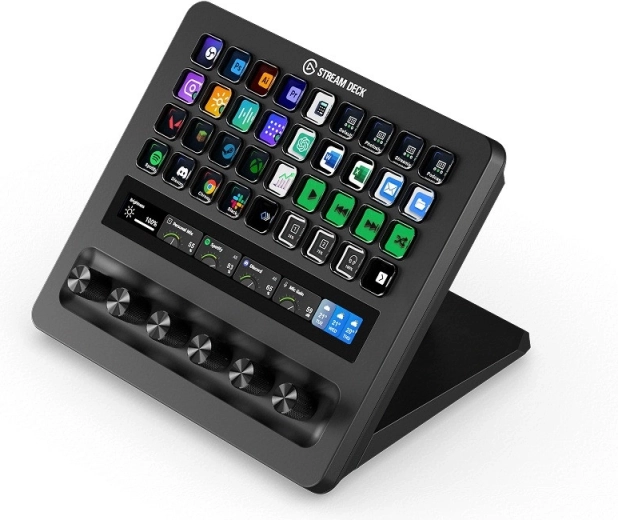

Elgato Stream Deck + XL is a professional control console for streaming, broadcasting, editing, and complex production workflows. It offers programmable buttons, rotary controls, and a touch strip, keeping shortcuts, settings, and important functions conveniently under control from one intuitive interface.
Control for demanding workflows
The extensive control surface brings important actions, shortcuts, and settings together in one place. It is ideal for production, streaming, podcasts, and video work.
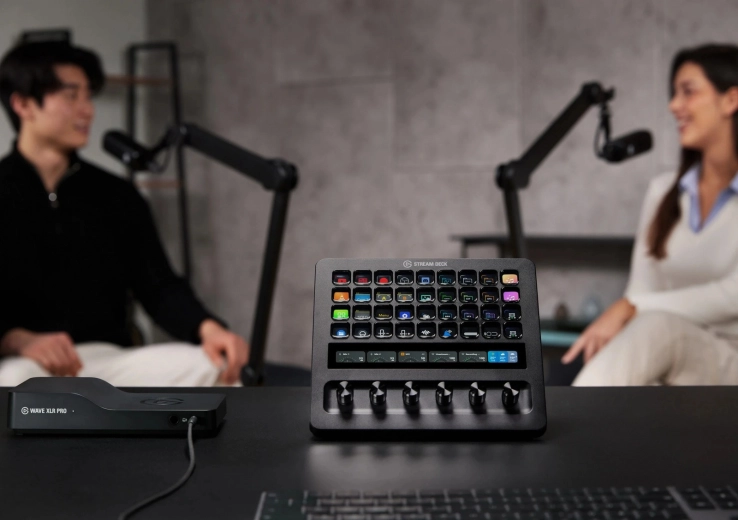
Buttons, rotary controls, and touch strip
The combination of programmable controls lets you launch quick commands and make precise setting adjustments naturally.
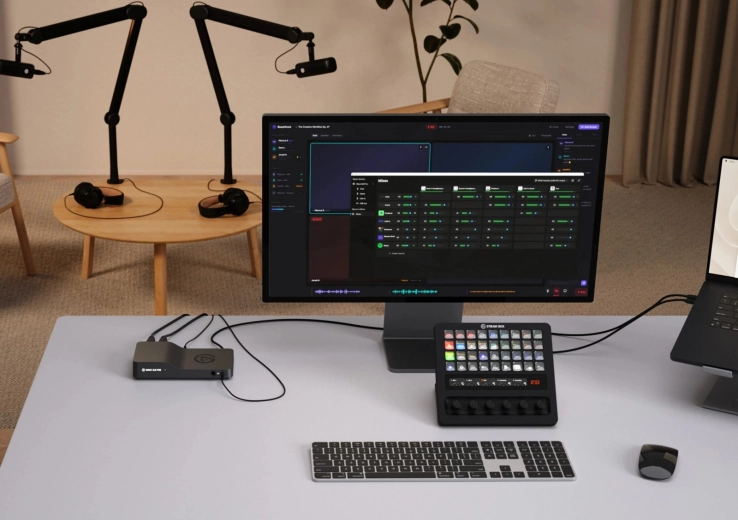
Customization using the Stream Deck app
The free app for PC and Mac lets you create, group, and style actions precisely according to your workflow needs.
Stream Deck + XL is designed for demanding work environments where multiple applications, inputs, and functions need to be controlled simultaneously. Extensive customization options help simplify everyday work in broadcast studios, content creation, video editing, and other professional setups.
Using the free Stream Deck app for PC and Mac, you can easily configure, group, and visually customize actions according to your own workflow. The console brings control of the entire system together in a clear workspace, enabling quick command launches and fine adjustment of parameters.
- Comprehensive control using buttons, rotary controls, and a touch strip.
- Unlimited integration possibilities for individual workflows.
- Expanded connectivity for flexible integration into your workspace.
Specifications
- Product type
- Professional control console
- Controls
- Programmable buttons, rotary controls, and touch strip
- Intended use
- Streaming, broadcasting, production, video editing, and other professional workflows
- Software
- Free Stream Deck app
- App compatibility
- PC and Mac
- Customization options
- Configuration, grouping, and visual customization of actions
- Connectivity
- Expanded connectivity for extending your workspace setup